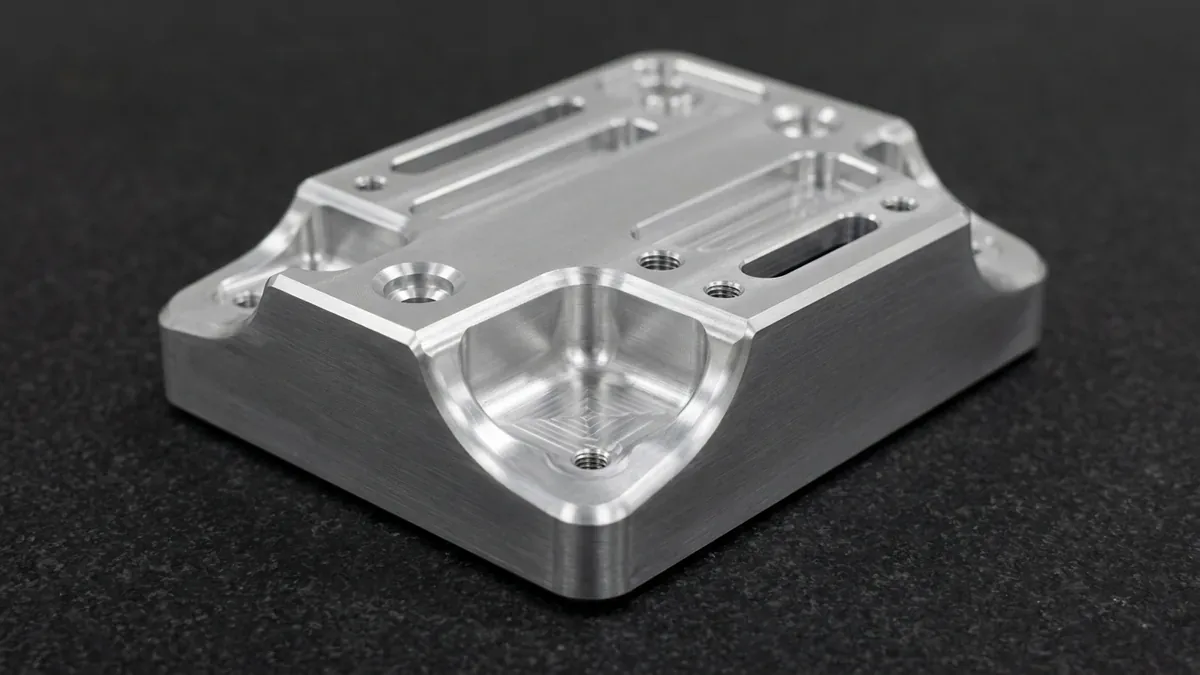
Flawless precision manufacturing begins with pristine digital engineering data. Selecting the correct CAD file formats for CNC machining prevents costly translation errors and manufacturing delays. Consequently, design engineers must understand how CAM software interprets solid geometry.
Every Computer-Aided Manufacturing (CAM) system relies on mathematical boundary representations (B-rep). When file exports translate poorly, surfaces can tear, stitch incorrectly, or distort critical edges. Therefore, submitting standardized file formats ensures seamless toolpath generation.
At AS Prototypes, our CNC machining facility processes thousands of complex CAD models monthly. Furthermore, our high-speed 3-axis and 4-axis VMCs and simultaneous 5-axis machining centers depend on high-fidelity B-rep solid geometry to achieve tight ±0.010 mm (±0.0004″) critical feature tolerances (and ±0.005 mm / ±0.0002″ via Wire EDM and precision grinding).
1. 3D CAD Formats: Standardized vs. Proprietary Kernels
CAD file formats divide broadly into neutral industry standards and proprietary native files.
First, STEP (Standard for the Exchange of Product model data, ISO 10303) represents the undisputed global standard. Specifically, STEP AP214 and AP242 preserve exact NURBS math, solid topologies, and color-coded manufacturing annotations. Consequently, STEP files import reliably into all modern CAM packages.
Second, Parasolid (.xt, .xb) provides native geometric modeling kernel data. Because SolidWorks, Siemens NX, and Onshape utilize the Parasolid modeling kernel, translation errors remain virtually non-existent. Thus, Parasolid serves as an excellent primary export choice.
Third, IGES (.igs) is an older legacy format established in the late 1970s. However, IGES stores geometry primarily as disconnected surface patches rather than watertight solids. Consequently, CAM software frequently requires manual surface healing before programming toolpaths.
| File Format | Extension | Geometric Type | CAM Compatibility | Engineering Recommendation |
|---|---|---|---|---|
| STEP (AP214 / AP242) | .step, .stp | Watertight B-rep Solid | Universal (100% CAM support) | Gold Standard: Always preferred for 3D CNC machining. |
| Parasolid | .xt, .xb | Exact Kernel Solid | Excellent (NX, SolidWorks, Mastercam) | Highly Recommended: Zero translation loss across Parasolid CAD systems. |
| IGES | .iges, .igs | Surface Wireframe / Patch | Moderate (prone to gap errors) | Secondary: Use only when STEP export is unavailable. |
| Native Formats | .sldprt, .catpart, .ipt | Proprietary Feature Tree | Requires matching software version | Acceptable: Useful for direct feature recognition and modeling history. |
| STL / OBJ Mesh | .stl, .obj | Tessellated Triangle Mesh | Poor for CNC (Excellent for 3D printing) | Avoid for CNC: Lacks true arcs, centers, and datum geometry. |
2. Why STL Mesh Files Fail in Precision CNC Machining
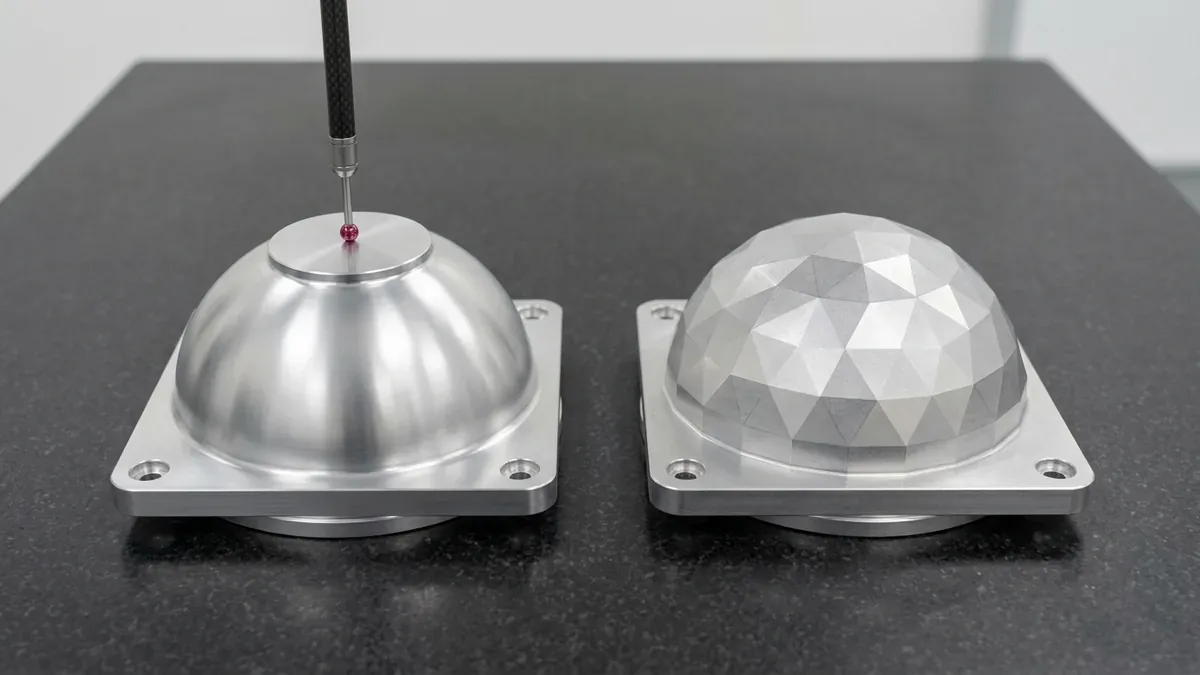
Many design engineers mistakenly export STL files for CNC milling quotes. However, STL files represent surfaces using flat polygonal triangles rather than true curves.
First, an STL decomposes a perfect cylinder into dozens of flat planar facets. Consequently, the CAM system cannot locate the true arc center or bore diameter. Machining along these planar facets degrades circularity and introduces chordal deviation errors.
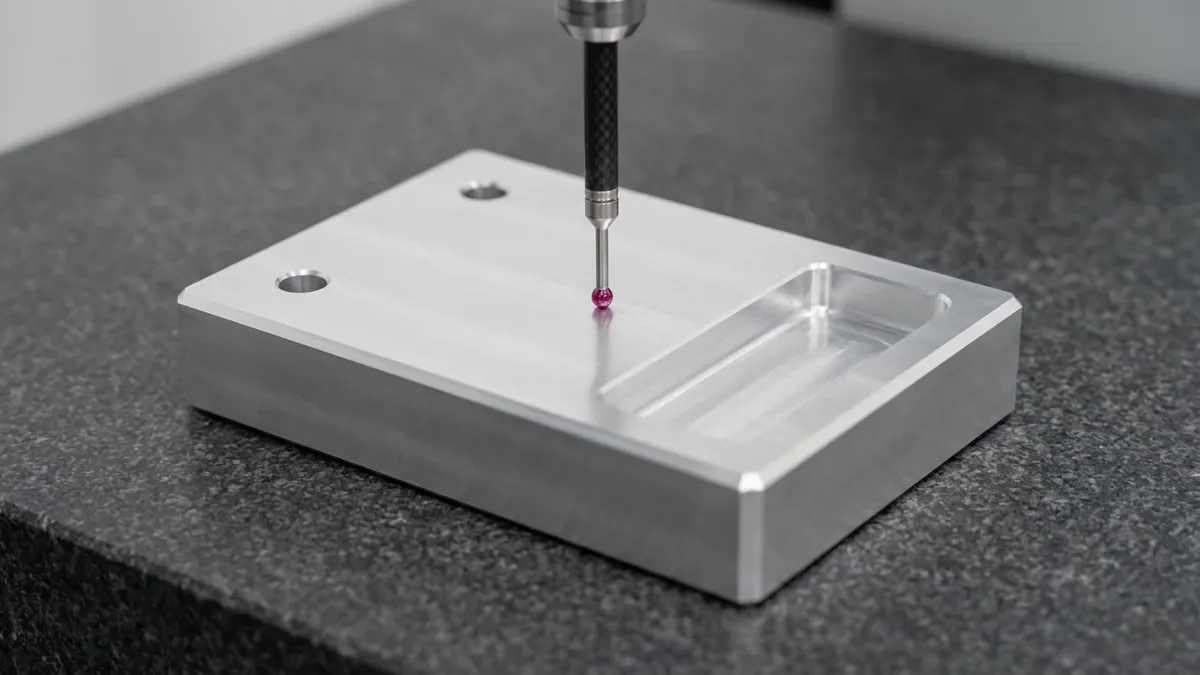
Second, mesh files lack topological edge datums. A CNC machinist cannot probe reference planes or measure true position from faceted triangles. Therefore, STL files should remain reserved exclusively for additive 3D printing.
3. The Indispensable Role of 2D Engineering Drawings (PDF)
While 3D CAD files define general shape, they rarely contain complete manufacturing instructions. Therefore, supplying a companion 2D engineering drawing (PDF) is essential for precision components.
| Specification Category | 2D Drawing Callout Requirement | Why 3D Solid Alone Is Insufficient |
|---|---|---|
| Thread Specifications | M6×1.0-6H, 1/4-20 UNC-2B, depth | 3D models depict tapped holes as plain smooth cylinders. |
| Critical Tolerances | H7 bore fits, ±0.010 mm linear tolerances | 3D models only represent nominal theoretical dimensions. |
| Surface Roughness (Ra) | Ra 0.8 μm ground, Ra 1.6 μm milled | 3D CAD models cannot communicate surface finish values. |
| GD&T Datums | Datums [A], [B], [C], perpendicularity, runout | Identifies primary fixturing and quality inspection references. |
4. Best Practices for CAD Export Preparation
To avoid quoting delays, follow these export best practices:
First, always export in a 1:1 metric millimeter scale. Scaling discrepancies cause massive dimensional errors during import.
Second, purge suppressed components and construction geometry. Unnecessary sketches clutter the CAM workspace and slow calculation times.
Third, model parts in their finished post-plating geometry. Specify on your 2D drawing whether dimensions apply before or after surface finishing.
5. Technical Engineering FAQ
The STEP format (.step or .stp) is the most reliable industry standard. In addition, always pair your 3D STEP file with a 2D PDF drawing.
No, STL files represent shapes using flat polygonal triangles. Consequently, CAM software cannot identify true hole centers or circular arc radii accurately.
The 2D drawing must specify thread callouts, critical GD&T tolerances, surface roughness (Ra), material alloy grade, and post-machining surface treatments.
Partner with Our Precision CNC Machining & Engineering Team
Eliminate tool deflection, residual stress distortion, and tolerance stack-up risks before production begins. Upload your 3D CAD files (STEP/IGES) and 2D GD&T drawings for a comprehensive shop-floor DFM review and custom quotation.
Upload 3D CAD for Engineering DFM & RFQ